


Fits into the systems you already run.
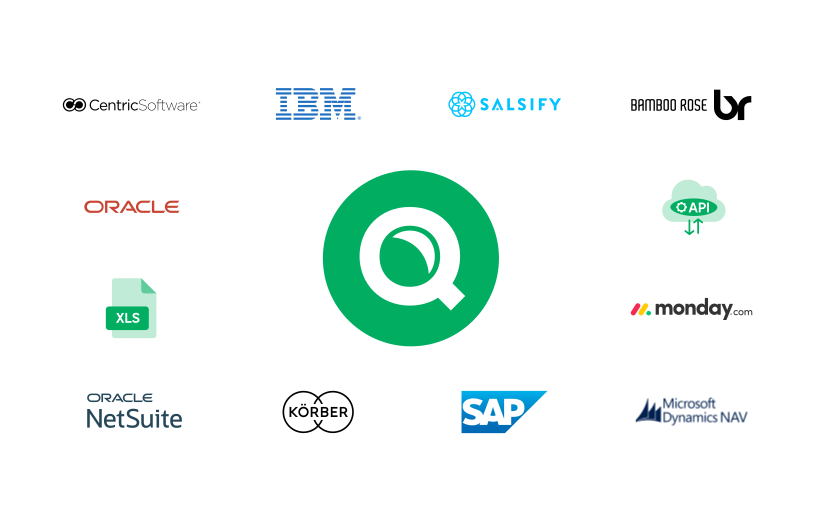














Microsoft Business Central, SAP, Oracle, NetSuite, and more


What we integrate with
Frequently asked questions

Qarma integrates with ERP, PLM, PIM, and supply chain platforms, including SAP, NetSuite, Microsoft Dynamics, Odoo, Infor M3, BlueCherry, Fashion XL, Centric Software, Anvyl, Applus(+), Riversand, Perfion, and Salsify, plus several regional systems.
Qarma receives regular data feeds with orders, product information, and file attachments. Data can be imported from files in formats such as CSV, Excel, XML, and JSON, delivered by email, FTP, SFTP, or HTTP, so inspections and compliance requirements can be created from your orders.
Yes. Event-based webhooks push inspection results and reports back to your ERP in real time, and webhooks are also available for supplier and production unit events. That removes manual re-entry of results.
Yes. Qarma offers export APIs for inspections and defects, audits and corrective actions, and suppliers and production units, plus an audit and supplier import API. Data can also be exported to Excel or CSV.
Yes. Qarma's data export supports aggregated data retrieval for business intelligence platforms such as Power BI and Tableau, so quality and supplier data can sit alongside your other reporting.
Yes. Qarma supports single sign-on through Microsoft Entra ID (Azure AD), so users can log in with their company credentials. Qarma publishes configuration steps for setting it up.
Qarma is designed for straightforward integration with existing order systems and minimizes the setup needed to move data in and out. Qarma's team helps with the integration during onboarding, and you can start with simple file imports before adding APIs and webhooks.
No. Qarma works alongside your ERP, PLM, and PIM systems. Orders and product data come in from them, and results go back, so your existing tools stay your system of record.
Yes. Qarma supports PIM systems such as Riversand, Perfion, Salsify, Plytix, and Occtoo, and PLM systems such as Centric Software and Delogue. Product data and compliance requirements can be imported rather than entered manually.
Contact Qarma support at support@qarmainspect.com or request a demo, and the team will check how your system can connect. Qarma lists many supported platforms and can discuss options for others.